
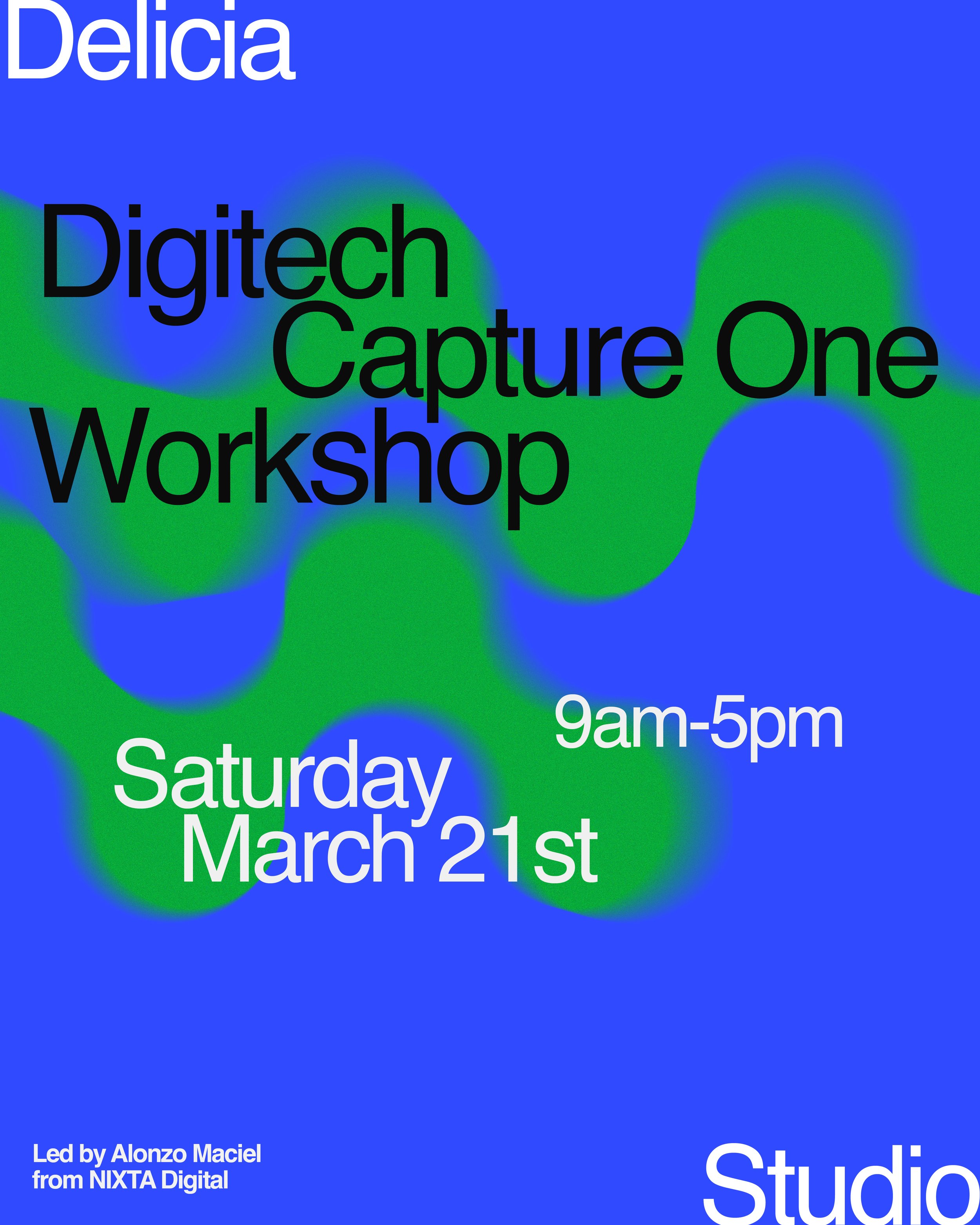
Date: March 21st, 2026.
Pricing: $150.
Format: 1-day workshop
9AM - 5PM
With an hour lunch break.
Where: DELICIA STUDIO - 1717 Troutman St
LAPTOP WITH CAPTURE ONE INSTALLED REQUIRED.
Short Description:
This workshop introduces essential Digitech practices using Capture One, focusing on efficient digital workflows, file management, and studio-based shooting. Participants will learn how to set up and manage Capture One sessions, organize files, and apply best practices for tethered photography and post-production preparation. Suitable for both beginners and professional photographers, the class offers practical tools used in real studio environments. Students should bring their own laptop with Capture One installed.
About the Instructor
Alonzo Maciel is a first generation Mexican American from San Ysidro, CA. He is the owner and operator of Nixta Digi, a NYC – based full-service DigiTech company with over 15 years of experience. Alonzo moved to NYC from Los Angeles in 2012 to work for some of the industry's top photographers. Since then, he has had the privilege of working with agencies, photographers and production companies worldwide on their e-commerce, editorial, fragrance and beauty campaigns.
What To Expect:
This workshop focuses on essential Digitech practices using Capture One, providing photographers with a clear and practical approach to working digitally in a studio environment. Participants will learn how to set up and manage Capture One sessions, organize and name files efficiently, and understand best practices for maintaining a clean and reliable digital workflow. The class will also cover the fundamentals of tethered shooting and preparing files for post-production. Emphasis is placed on real-world studio methods that support both creative and professional photographic work. Students are required to bring their own laptop with Capture One installed.
CRUCIAL POINTS
Understanding the role of Digitech in contemporary studio photography
Setting up Capture One for an efficient and reliable workflow
Creating and managing Capture One sessions
File organization, folder structures, and naming conventions
Best practices for tethered shooting
Live image review, basic adjustments, and consistency during a shoot
Backups and data safety during and after a session
Preparing and delivering files for post-production or clients
Adapting professional studio workflows to different scales of production
Who Is This For?
This workshop is open to photographers at different stages of their practice, from beginners building their first digital workflows to professional photographers looking to refine, update, or standardize their Digitech and file management practices. It is well suited for photography students, emerging photographers, and working professionals who want a clearer, more efficient approach to using Capture One in studio or tethered shooting contexts. No advanced technical expertise is required, but professionals will find value in reviewing industry-standard methods and optimizing their existing workflows.